Mobile business intelligence (BI) software introduces unique challenges due to the portable nature of mobile devices and real-time analytics. However, with the right technical expertise, these hurdles can be overcome, transforming mobility into a strategic advantage and addressing the limitations often seen in traditional BI systems.
Worth mentioning: implementing Mobile business intelligence (BIinking desktop dashboards to fit a smaller screen. It comes with a unique set of technical and design challenges that—if not addressed properly—can impact security, usability, and data accuracy.
In this article, we’ll break down the most common challenges in Mobile business intelligence (BI) implementation and explore practical ways to overcome them using the right tools, thoughtful design, and expert technical support.
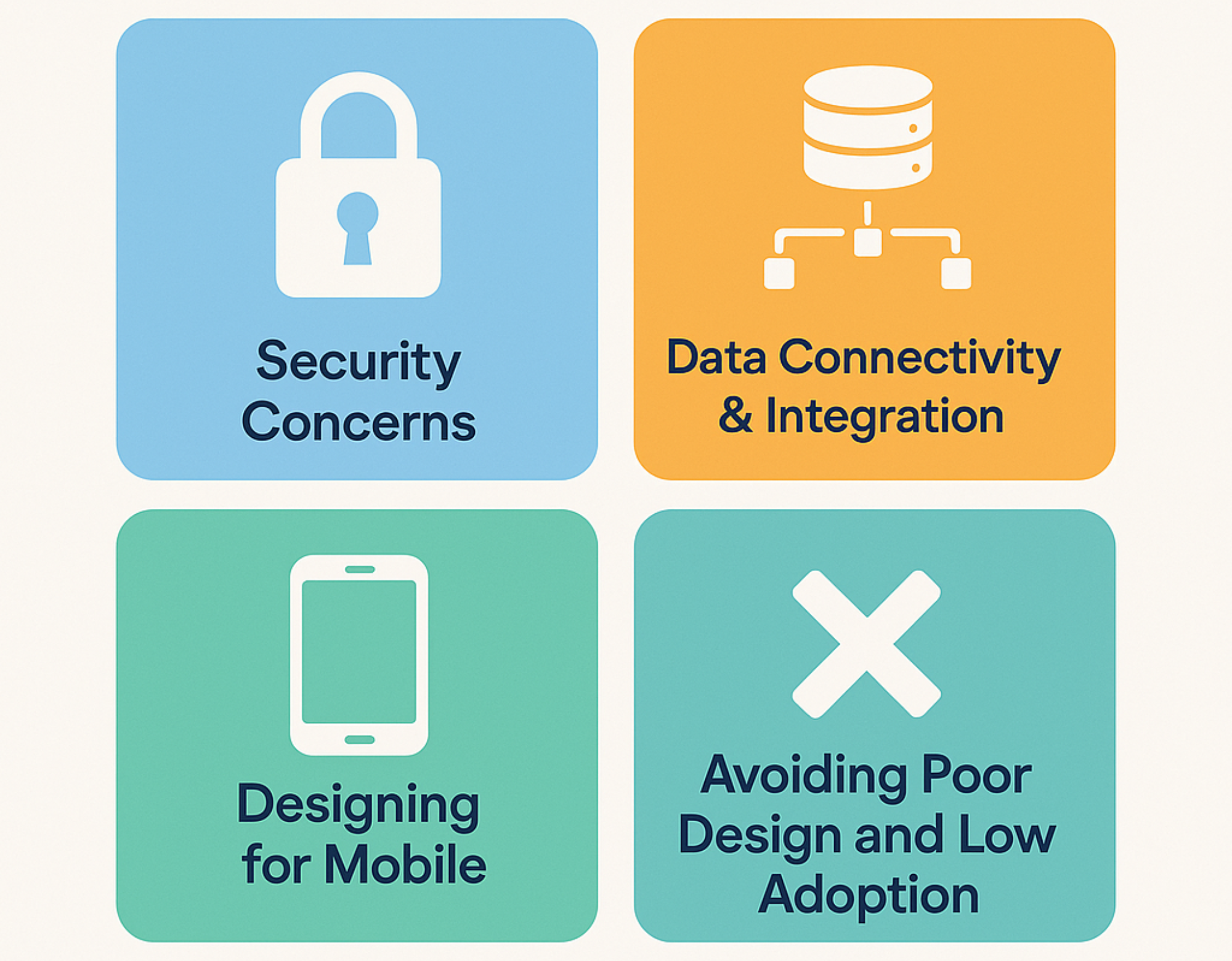
1. Security Concerns: Protecting Data Beyond the Office
Security is one of the top concerns when bringing business intelligence to mobile devices. Mobile phones and tablets are portable—which means they’re also easier to lose or steal. And if users connect through public Wi-Fi or use unsecured apps, the risk of unauthorized access or data breaches increases significantly.
Key risks include:
-
Device theft or loss
-
Unencrypted data transmissions
-
Unauthorized access via shared devices or apps
How to solve it:
-
Use end-to-end encryption to protect sensitive data in transit and at rest
-
Implement biometric login (like fingerprint or face recognition)
-
Enforce two-factor authentication (2FA)
-
Set up Mobile Device Management (MDM) systems to remotely lock, wipe, or monitor devices
-
Regularly update apps and ensure compliance with regulations like GDPR, HIPAA, or ISO standards
Mobile BI tools must be just as secure as desktop solutions—if not more. Partnering with experienced IT security teams or outsourcing specialists can help ensure that your mobile analytics platform is well-protected.
2. Data Connectivity & Integration (The Engine Behind Mobile BI)
Mobile BI is only effective when it’s powered by fast, reliable access to up-to-date data. But that’s easier said than done—especially when you’re dealing with multiple data sources, legacy systems, or fragmented infrastructures.
Challenges companies often face:
-
Connecting mobile apps to on-premise or cloud-based databases
-
Integrating data from different departments, tools, or platforms
-
Ensuring that mobile dashboards are updated in real time
Best practices to follow:
-
Build API integrations that allow mobile apps to communicate smoothly with back-end systems
-
Use data virtualization to unify and manage data from multiple sources without duplication
-
Set up ETL pipelines or real-time data streaming tools like Kafka for live updates
-
Work with data engineers or BI consultants to design scalable, secure integration frameworks
Remember: a mobile dashboard is only as powerful as the data behind it. Investing in the right integration strategy early on ensures a smoother experience for end users.
3. Designing for Mobile: Simplicity Over Complexity
Trying to squeeze an entire desktop dashboard into a small mobile screen usually backfires. Users on mobile want speed, clarity, and convenience—not complex charts and heavy reports that are hard to view or navigate.
Instead of copying the desktop experience, focus on:
-
Highlighting only the most important KPIs, alerts, and summaries
-
Using a mobile-first design that prioritizes readability and interaction
-
Making it easy to share insights via email, Slack, or other communication tools
-
Supporting gesture-based navigation (tap, swipe, zoom) for a native feel
Keep in mind: your mobile BI app isn’t just a smaller version of the desktop—it’s a different experience with its own needs.
4. Avoiding Poor Design and Low Adoption
Even with the right data and integrations, poor design can ruin the mobile BI experience. Confusing layouts, slow performance, or lack of guidance can quickly lead users to stop using the app altogether.
Smart design features to include:
-
Push notifications for real-time alerts or KPI updates
-
Voice command support or natural language queries
-
Offline mode with auto-sync for users working in areas with poor connectivity
-
In-app guidance or tooltips for new users
-
Customizable dashboards that fit different roles or departments
Great mobile BI is fast, intuitive, and helpful—it doesn’t overwhelm the user with noise or complexity.

5. Why Many Companies Choose to Outsource Mobile BI Development
Implementing Mobile BI the right way requires a mix of skills: security, UI/UX design, backend development, and data engineering. Many businesses, especially SMBs and mid-market companies, may not have all of this expertise in-house.
That’s why more companies are choosing to partner with IT outsourcing firms or offshore tech teams.
Benefits of outsourcing Mobile BI development:
-
Faster time to market with experienced BI developers and designers
-
Cost savings vs. hiring or upskilling internal teams
-
Access to global talent in areas like security, API development, and UX
-
Scalable teams that grow with your BI needs
By outsourcing Mobile BI implementation, companies can avoid the most common pitfalls while focusing on what matters most: making better, faster decisions with data—anytime, anywhere.
Mobile BI Should Empower, Not Complicate
Mobile Business Intelligence has the potential to transform how teams make decisions—on the move, in meetings, and across time zones. But without the right strategy, it can become just another underused tool.
By prioritizing security, building strong data infrastructure, and focusing on mobile-optimized UX, you can turn Mobile BI from a challenge into a competitive advantage.
Need support in building or upgrading your Mobile BI experience?
99brightminds provides scalable, secure, and intuitive business intelligence solutions through its cost-effective offshore development center.